
Router Table Fundamentals
Discover what
a router table can do.
Discover how much more you can do in the woodshop with a router table. From neatly fitted joints to shaped edges and matching parts, this versatile tool opens up possibilities for furniture, cabinetry and projects of your own design. This class gives you a practical starting point.
Sale C$110 Regular C$150Full course per registration, before tax.
- At a glance
- Safe, accurate router-table work
- At a glance
- Locking-rabbet drawer box
- At a glance
- Handheld demonstrations only
An approachable
way to get started.
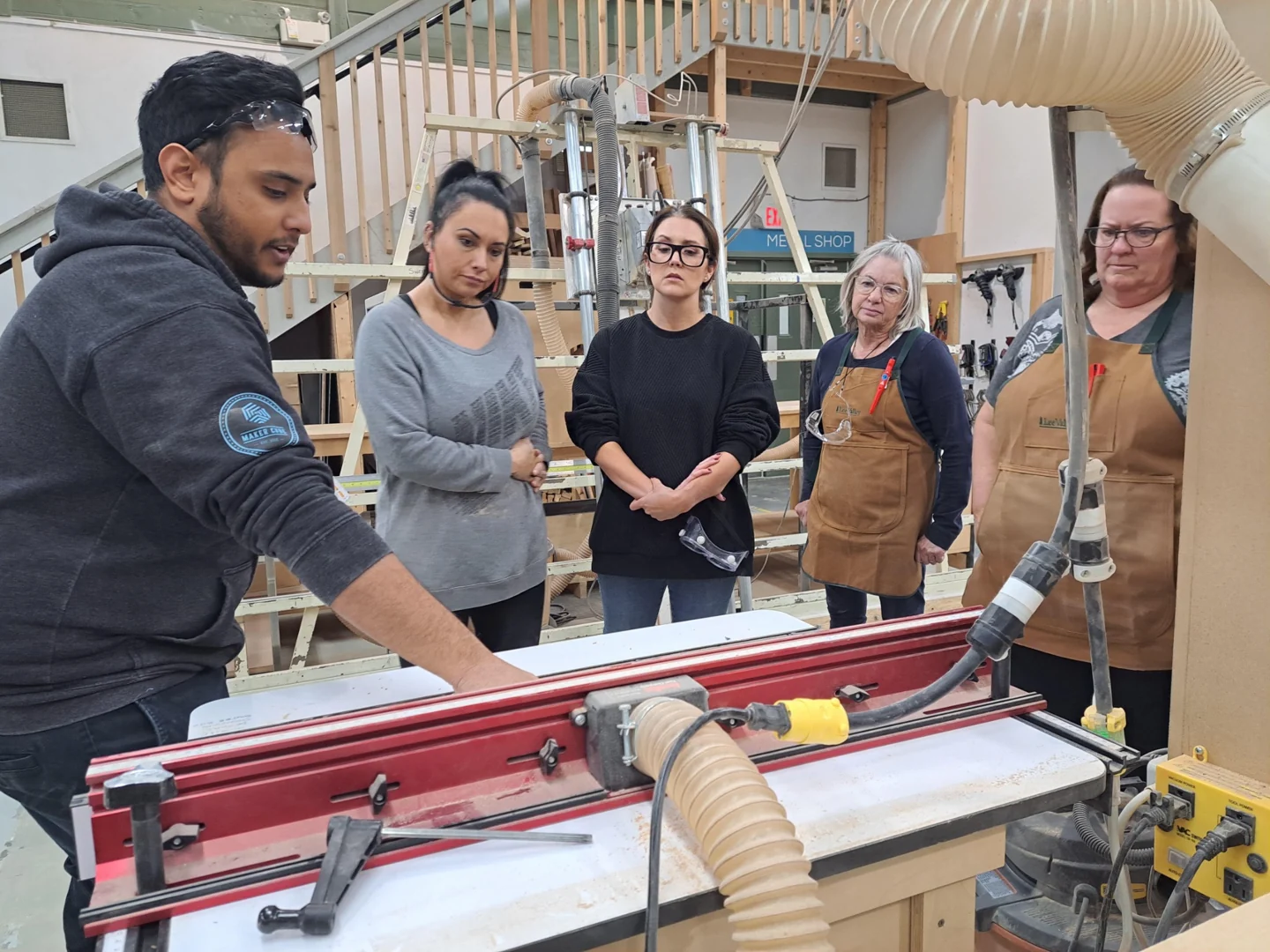
Get comfortable with the equipment with an instructor beside you. Learn how to choose the right bit, set an appropriate router speed and feed your material in the correct direction. We’ll demystify how the bit, fence and material work together, with guided practice to help you make safe, accurate cuts and adjust the fit.
Start a drawer box.
Learn the joint.
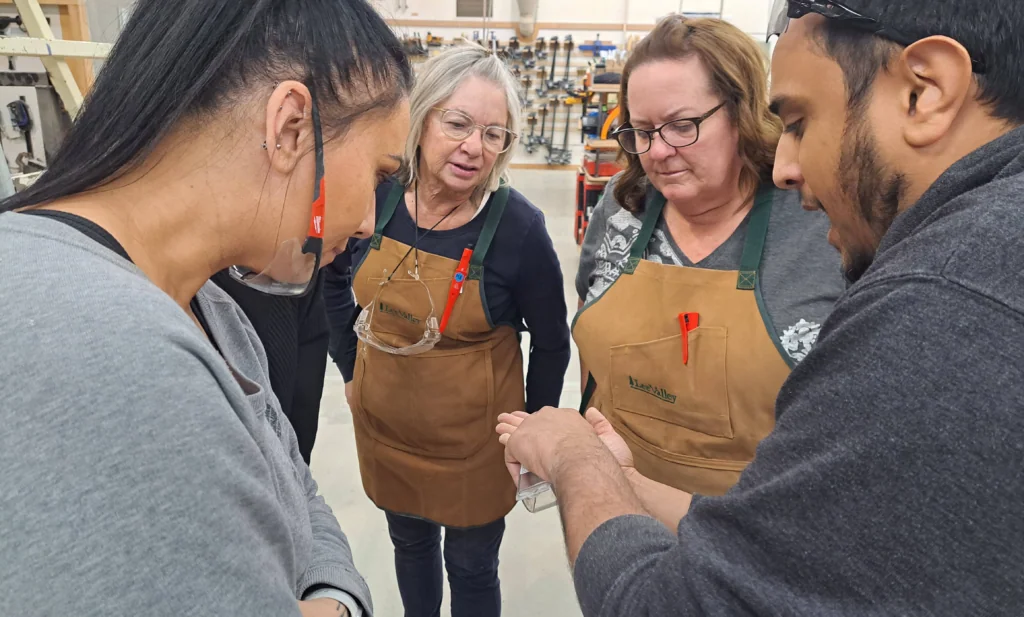
Put those skills to work by getting started on a plywood drawer box. Using one bit to cut the locking-rabbet corner joints, you’ll see how the material itself can guide your setup and help the pieces fit together accurately. It’s a practical way to learn repeatable joinery you can use in drawers, storage and cabinet projects.
See what you’ll learn in class
Class outline: what you’ll do
Understand the tool and choose a bit
Demonstration and discussion
Compare router types and bit choices, and learn how cutter size, material and the intended cut affect the setup. Handheld routers are demonstrated by the instructor; hands-on work stays focused on router tables.
Set up the router table
Guided table setup
Learn how bit installation, speed, cutting height and fence position work together. Review the insert ring, guard and dust collection, and check the setup before cutting.
Support the work and plan the movement
Guided preparation and dry runs
Use material support and featherboards appropriately. Plan the feed direction and hand positions, and dry-run the movement so you understand how the work stays controlled through the cut.
Make and evaluate test cuts
Hands-on router table practice
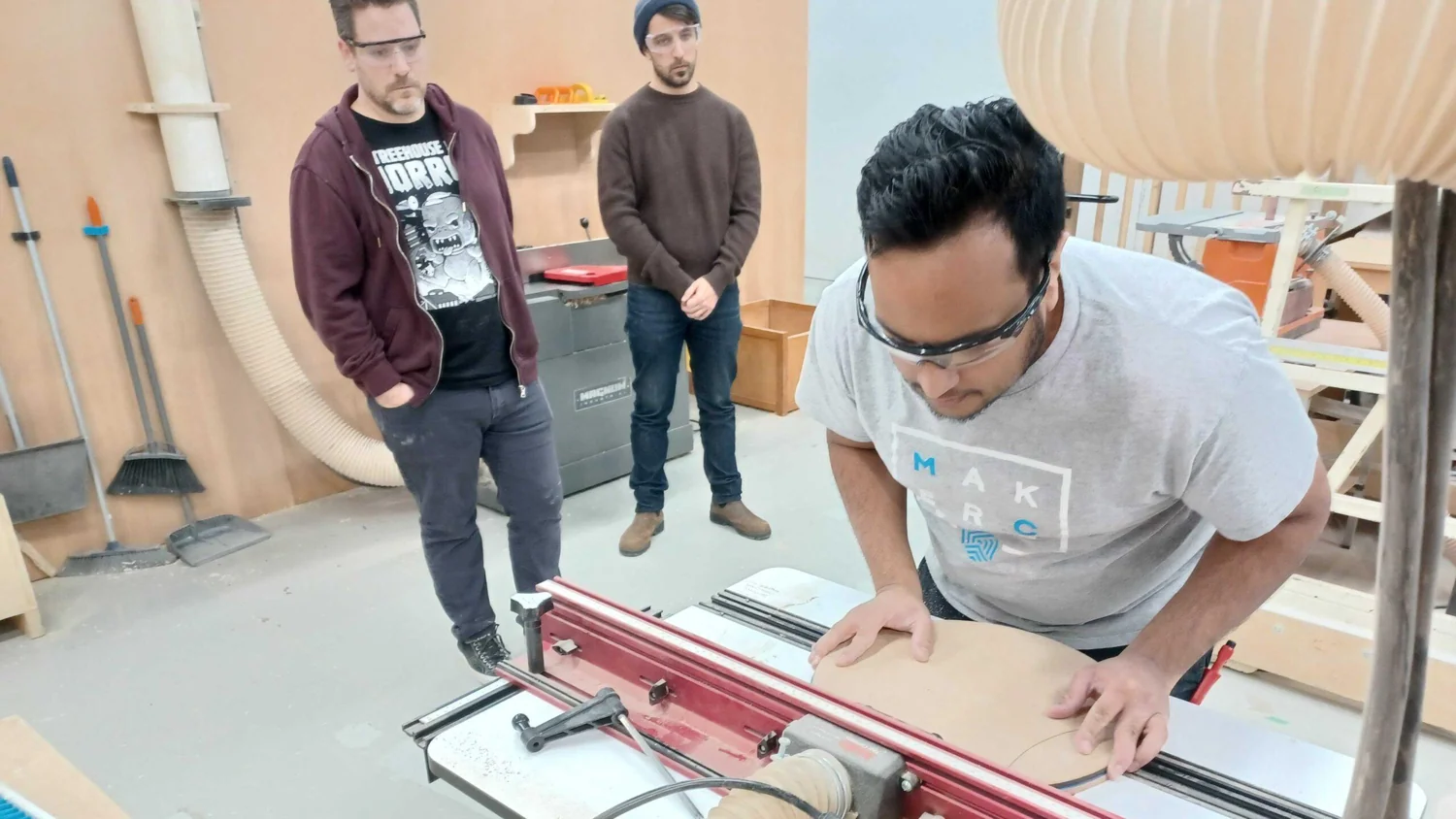
Make a controlled test cut, inspect the surface and notice the chips and sound. Adjust the setup and check again, building the habit of proving a cut before repeating it on matching parts.
Get started on a locking-rabbet drawer box
Shared drawer-box joinery exercise
Use one bit for the rabbets in the front and back and the mating dados in the sides. Learn how the cut rabbet and actual material guide the next setup. Test the joint, refine its fit and batch the matching cuts with a proven setup.
The exercise gets you started on the drawer box and teaches its corner joints. A completed drawer box to take home is not guaranteed.
Review, shut down and get feedback
Individual practical assessment
Review safe use, cut quality and when to ask staff. Shut down, clean and restore the equipment for the next person. Your instructor identifies any further supervised practice you need.
Pattern routing is not covered. You’ll start a practice drawer box, not a finished take-home drawer.
Keep making
at Maker Cube.
Bring your questions, share your ideas and learn alongside other makers. You’ll get to know Maker Cube’s router tables and build a foundation for projects of your own. With the required tool signoff and an active membership, the shop is here for you to keep practising and making.
Tools, assessment and shop access
The hands-on focus is the router table. Handheld routers are demonstrated by the instructor to help you understand their uses; participants do not operate them during this class.
Your instructor observes router-table setup, material support, dry runs, feed direction, controlled cuts, evaluation and shutdown. Clearance is an individual decision based on demonstrated safe use. Further supervised practice may be needed.
Authorization applies to the tools and operations you have been cleared to use. Ask staff before trying an unfamiliar bit, material or setup. A handheld demonstration does not establish practical handheld clearance.
CNC routing follows a separate training pathway. Any table-saw crosscuts are performed by the instructor or someone who already has the required table-saw clearance.
- Explore tools and training in the woodshop
- Explore the individual tool-access demo
- Jointer, planer and table saw: Advanced Woodworking
Linked access-map previews remain drafts. Staff signoff and tool access are separate from a ticket purchase.
Meet your instructor
Patricia Lin
Patricia’s interest in miniatures grew into design and woodworking. A graduate of Langara College’s Design Formation program, she enjoys hands-on making and learning new skills.
Patricia generally teaches this class. Your selected date will name the instructor. Photos show earlier teaching sessions, including demonstrations by Adam.
Your next step in the woodshop
Understand the tool.
Build your skills.
Learn how to approach a cut, check the setup and work toward the result your project needs.
Start with Intro to WoodworkingExplore Advanced WoodworkingExplore the woodshop access mapBefore your visit
Come ready to make.
What to wear and bring
- Safety glasses. Bring your own or purchase a pair at reception.
- Hearing protection. Ask staff what to bring.
- Closed-toe shoes.
- Fitted clothing, with sleeves and loose cords secured.
- Long hair tied back.
- Remove rings, dangling jewellery and anything that could catch.
No gloves while operating the router. Follow your instructor’s directions when handling loose cutters.
Bring your project questions. Confirm with staff before bringing your own wood or router bits; member bit ownership does not establish what is required for the class.
Class length and practice time
December 4 is a two-hour pilot in Planning, from 6 to 8 p.m. January 8 has a three-hour Planning slot, from 6 to 9 p.m. These remain planning examples, not approved public offers.
Hands-on time focuses on router-table setup, test cuts and the drawer-box corner-joint exercise. Handheld routers are demonstrated rather than operated by participants.
The confirmed December 4 class runs from 6–8 p.m. Pacific.
Arrival, parking and late arrivals
Please arrive 15 minutes early at #104B 5947 206A Street, Langley. Parking is available in the lot, with additional street parking along 206A Street.
Safety instruction begins at the start of class. If you arrive late and miss it, you may not be able to join. Contact Maker Cube if you are running late.
Questions before you book.
Before you book
The published Router Table Fundamentals is an introductory skills class. You can take classes without being a member; independent use afterward requires an active membership and the appropriate authorization.
No prerequisite course is required. Intro to Woodworking is recommended if you would like an introduction to the shared shop and general safety foundations.
This recommendation does not require an Intro to Woodworking booking. Independent shop use still requires an active membership and the applicable tool authorization.
Age, supervision and waivers
Everyone needs a waiver. Participants under 19 need parent or guardian consent.
Historical public listings advertise ages 14 and up. The exact class minimum and supervision rules need review before booking a minor. Contact staff about suitability.
A shared parent-child place is not offered in this prototype. Class-specific eligibility and capacity would need approval first.
Cancellation, rescheduling and substitutions
Email [email protected] at least 24 hours before class to cancel or reschedule. Refunds or credit are available with the required notice.
Late cancellations and no-shows are not refundable. Rebooking costs 50% of the original regular class price before discounts. You may send an eligible replacement who meets the class’s prerequisite, age, waiver and safety requirements.
If Maker Cube moves or cancels a regular booking, staff will contact you about another date, a makeup, a different class or a full refund. Promotional package bookings retain the terms of their original offer.
Upcoming dates and cohorts
Times are local to Langley, BC. One registration covers all dates listed together.
- Fri, Dec 4, 2026 · 6pm–8pm PT
Ticket and checkout verification pending. - Fri, Jan 8, 2027 · 6pm–9pm PT
Ticket and checkout verification pending. - Fri, Feb 5, 2027 · 6pm–9pm PT
Ticket and checkout verification pending.
Closed-toe shoes. Required to enter the facility. If you miss the start of class, you won’t be able to join.