Spaces / Laser cutting & engraving
Laser cutting & engraving
Make your mark.
Cut crisp shapes, add a personal detail or turn a digital design into repeatable parts.
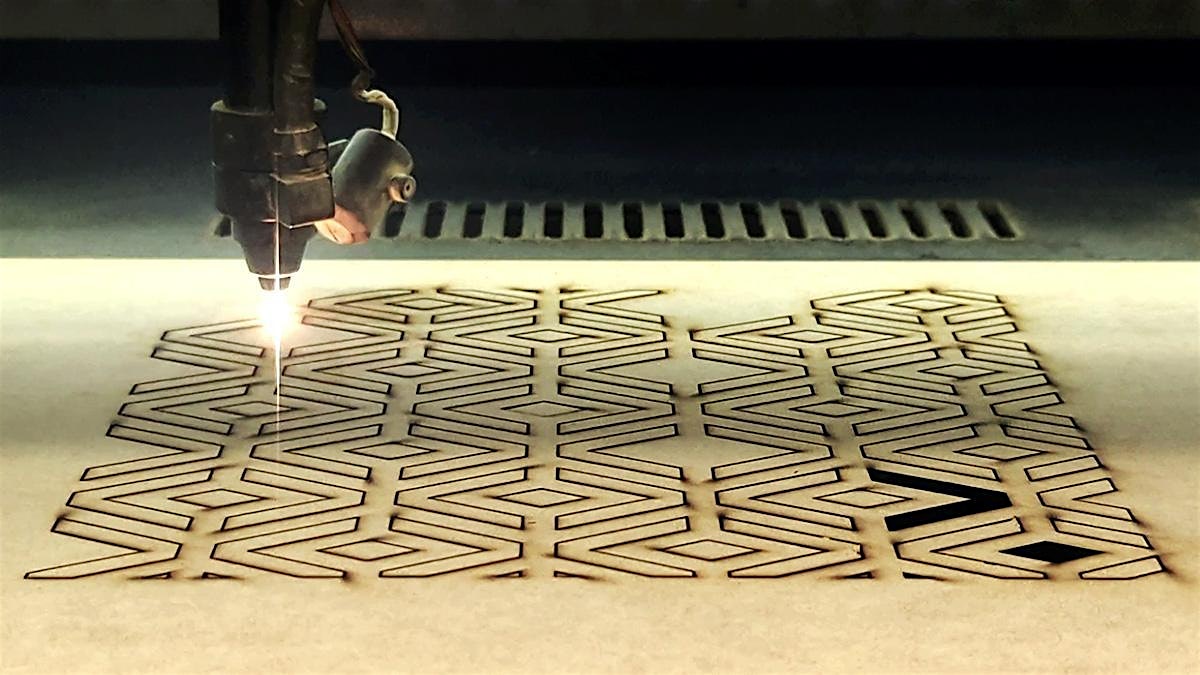
Main tools
- Gweike CO₂ laser cutter36 × 24 in working area · approved materials only
Software we teach
- LightBurn — taught in Laser Cutting & Engraving.
- Adobe Illustrator — ask about current training.
Other computer-controlled equipment: Explore all CNC tools.
Independent use requires the relevant class or orientation. Check approved materials before bringing stock for the laser.
Start with a class
Learn through a guided project or equipment orientation. You do not need an ongoing membership to take a class.
Make on your own schedule
Choose a membership for independent workshop use after the relevant training. An introductory class does not cover every machine.
Compare memberships →Want to see the space? Book a tour →
Need something made for you? Explore fabrication services →