
Laser Cutting and Engraving
Make your ideas
take shape.
Turn a design on your screen into something you can hold. From personalized gifts and intricate decorations to signs, boxes and prototype parts, laser cutting brings precise shapes and detailed engraving within reach. Discover how to use both in projects of your own.
- At a glance
- Cut and engrave
- At a glance
- Guided laser orientation
- At a glance
- 3 hours + 30-minute flex
Project and included materials
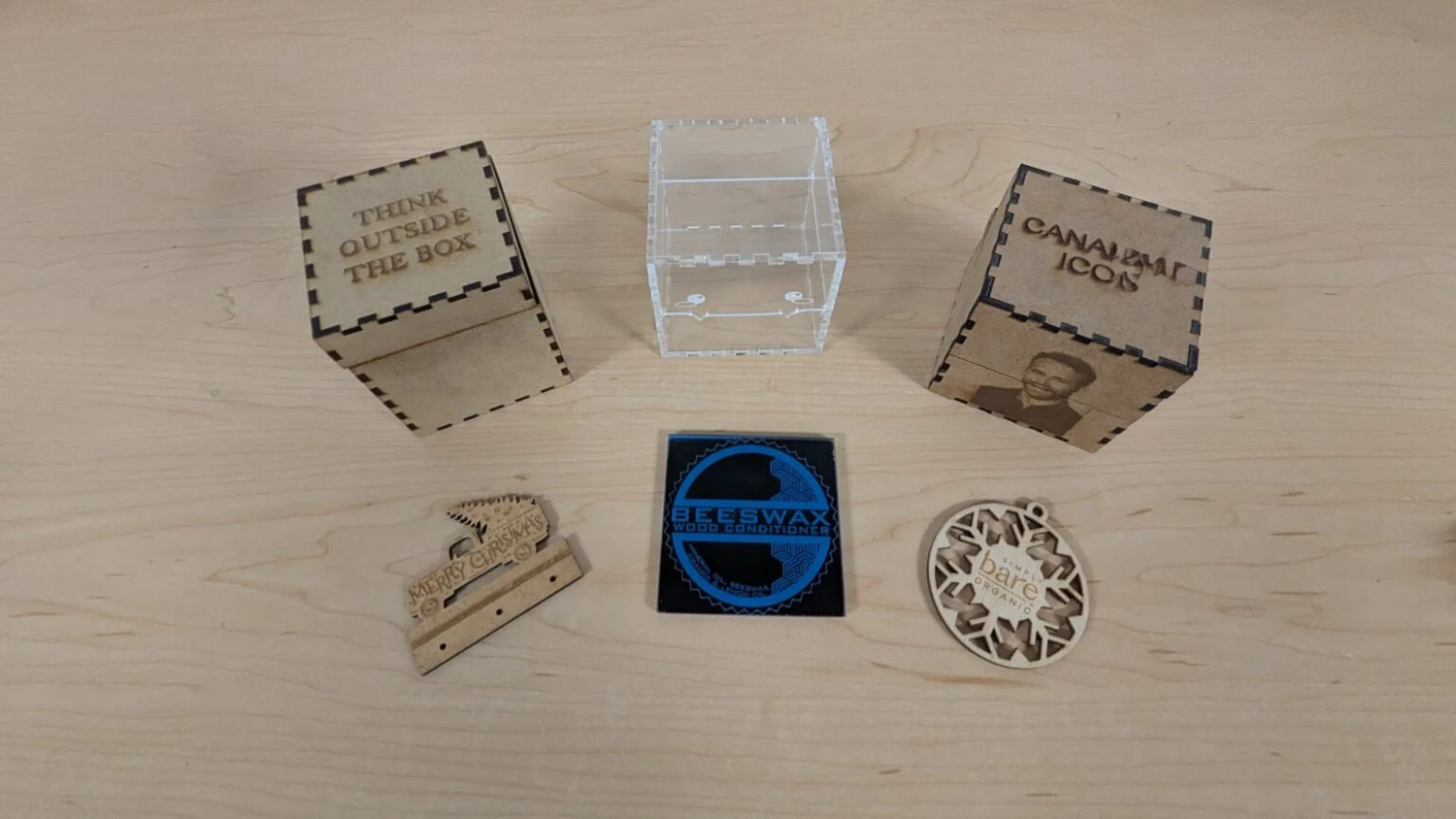
Make an integrated-hinge box in MDF or acrylic. Materials for the class project are included.
The project brings together file preparation, cutting, engraving and fitting parts. There is scope to add a personal detail within the guided design and available class time.
Speak with your instructor before bringing other material or planning a different project. The sample photos show possibilities; additional pieces and materials are not included.
From digital design
to the laser.
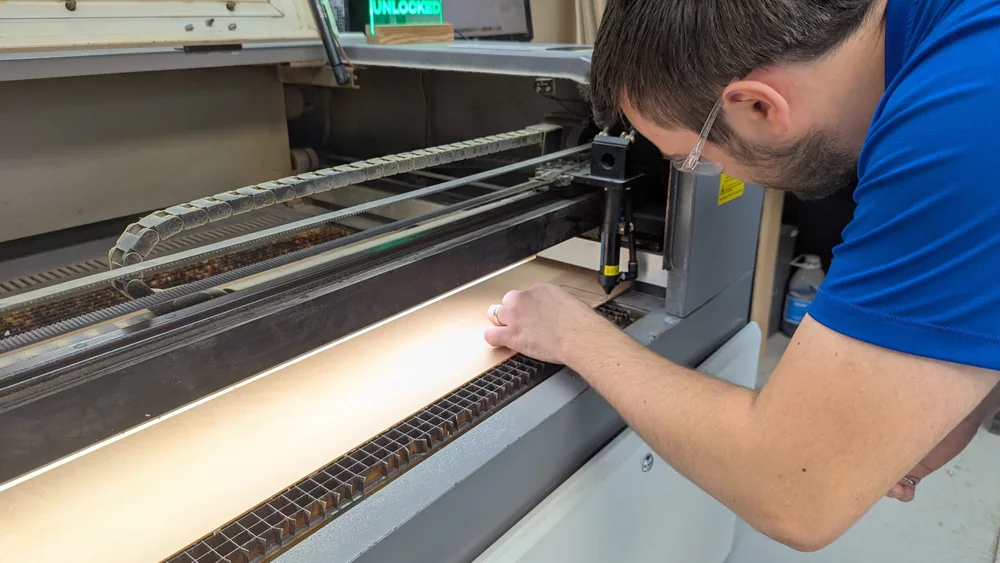
Get comfortable with the process with an instructor beside you. Prepare your design in LightBurn, choose which details to engrave and which shapes to cut, and learn how power, speed and the width of the cut affect your result. Then work through positioning, focus and the checks that help turn a file into clean, accurately fitted parts.
Make a hinged box.
Make it your own.
Bring those skills together in your own hinged box, made from MDF or acrylic with materials included. Explore how accurately cut parts form a box with a working lid, and how engraving adds a personal detail. You'll take home a finished project and a practical introduction to a process you can use for gifts, useful objects and ideas of your own.
See what you'll learn in class
Class outline: what you'll do
Prepare a laser-ready design
Follow the design process and prepare files for the laser. Get familiar with LightBurn and how the design becomes cutting and engraving operations.
Plan the operations
Set up layers for cutting and engraving, choose an appropriate operation order and preview the job before running it. Learn how test cuts help you choose settings, and how kerf, the width of material removed by the laser, affects the fit between parts.
Learn the machine routines
Work through a step-by-step orientation to the laser, extraction, cooling and air-assist systems. Learn to position and focus the material, check the job boundaries with framing and monitor the work while it runs. Finish with shutdown and cleanup routines.
Apply the workflow to a box
Bring the design, cutting and engraving process together through the class box project. Learn habits you can carry into other laser projects, including checking the work and using machine time efficiently.
The hinged box brings the core workflow together. More advanced features in the manual are reference material for developing your skills after this introduction.
Keep creating
at Maker Cube.
Bring your questions and ideas, and learn alongside other makers. The laser orientation is built into the class, so you can get to know the equipment through a practical project. Successful completion meets the laser orientation requirement; with an active membership and the required tool clearance, you can return to develop projects of your own.
Laser orientation and tool access
The class includes orientation to Maker Cube's laser cutter and its support systems. Successful completion satisfies the laser orientation requirement. Independent operation also requires an active membership and the appropriate individual tool clearance.
Buying a ticket does not grant tool access. Your attendance and demonstrated safe use must be recorded. Ask staff about further supervised practice if needed.
This is a laser pathway. CNC routers, 3D printers and other equipment have their own training requirements.
Meet your instructor
Doug Chan
Doug is an engineering graduate with experience across digital and traditional fabrication. An enthusiastic learner, he enjoys helping others explore unfamiliar tools and turn their ideas into projects.
Doug is named in Planning for December 7, January 4, January 17 and January 31. January 19 instructor coverage is still to be confirmed; no substitute has been assigned. Choose a date using its specific staffing status.
A new tool for your ideas
Design it.
Make it yours.
Explore how cutting and engraving can add another dimension to the things you make.
How laser access worksExplore the other classesBefore your visit
Come ready to make.
What to wear and bring
Laser-rated eye protection is required during operation. Follow your instructor's directions about the correct eyewear for this machine.
You can bring a design idea or files on a USB drive to discuss with your instructor. SVG, DXF and AI are common vector formats; PNG and JPG can be used for engraving. Personalization needs to fit the class project and available machine time.
Prepare designs away from the laser's control computer so it stays available for running jobs. The manual describes upstairs design computers and using your own laptop as options.
The final class workstation arrangements, eyewear provision and attire checklist remain in the private review notes. A laptop or software purchase is not listed as a class requirement.
Class length and practice time
Three scheduled hours, with a separate 30-minute flex allowance for project completion and questions.
For an evening starting at 6 p.m., the class runs to 9 p.m.; please allow until 9:30 p.m. For a 10:30 a.m. start, the scheduled finish is 1:30 p.m., with flex to 2 p.m.
This duration is confirmed by Adam. Some older Planning end times still differ. Exact schedule corrections need review and have not been applied.
Arrival, parking and late arrivals
Please arrive 15 minutes early at #104B 5947 206A Street, Langley. Parking is available in the lot, with additional street parking along 206A Street.
Safety instruction starts at the beginning of class. If you arrive late and miss it, you may not be able to join. Contact Maker Cube if you are running late.
Questions before you book.
Before you book
Basic computer literacy is required. You should be comfortable using a computer and browsing the internet. Previous experience with 2D CAD or a vector-drawing program such as Illustrator or Inkscape is helpful, but not required.
Classes are open to members and non-members. You do not need to join Maker Cube to take the class.
You will learn the laser workflow through a guided project. Bring your ideas and questions; you do not need to arrive with a finished design.
Age, supervision and waivers
Everyone needs a waiver. Participants under 19 need parent or guardian consent.
The dated listings say ages 14+ with under-18 supervision, while the landing page asks mature teens to enquire. The final class minimum and supervision requirements remain unconfirmed. Please ask staff about suitability before booking a minor.
A shared parent-child project ticket is not offered in this draft. Eligibility and physical headcount would need class-specific approval.
Cancellation, rescheduling and substitutions
Email [email protected] at least 24 hours before class to cancel or reschedule. Refunds or credit are available with the required notice.
Late cancellations and no-shows are not refundable. Rebooking costs 50% of the original regular class price before discounts. You may send an eligible replacement who meets the class's prerequisite, age, waiver and safety requirements.
If Maker Cube moves or cancels a regular booking, staff will contact you about another date, a makeup, a different class or a full refund. Promotional package bookings retain the terms of their original offer.
Upcoming dates and cohorts
Times are local to Langley, BC. One registration covers all dates listed together.
- Mon, Dec 7, 2026 · 6pm · public finish time under review
Ticket and checkout verification pending. - Mon, Jan 4, 2027 · 6pm–9pm PT
Ticket and checkout verification pending. - Sun, Jan 17, 2027 · 10:30am–1:30pm PT
Ticket and checkout verification pending. - Tue, Jan 19, 2027 · 6pm–9pm PT
Ticket and checkout verification pending. - Sun, Jan 31, 2027 · 10:30am–1:30pm PT
Ticket and checkout verification pending.
Closed-toe shoes. Required to enter the facility. If you miss the start of class, you won’t be able to join.