
Digital design · Software
VCarve Pro: 2D Drafting for Fabrication
Turn a sketch or logo into an accurately sized vector drawing for the laser or CNC router.
C$110 Regular C$150Full course per registration, before tax.
- Workshop
- Digital design
- Format
- One three-hour computer class
- Location
- Maker Cube, Langley
- Schedule
- 7 February 2027 · Proposed
Your project
What you’ll make or practise
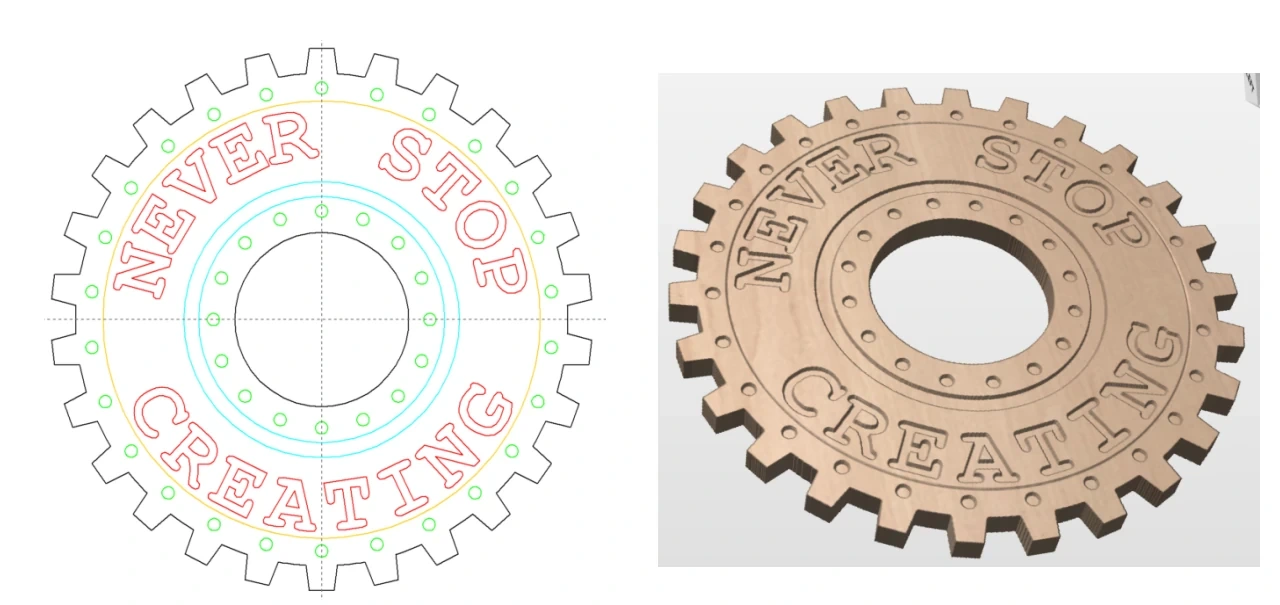
Work on a digital engraving design. Set its dimensions, clean up the outlines and prepare the file for fabrication.
What you’ll learn
- Set up the job size, units and layers.
- Draw vectors or trace artwork, then edit the nodes.
- Use offsets and nesting, and select an export format for the intended machine.
Before your visit
Come ready to make.
Basic computer skills are helpful. You can bring a logo or small image to try in the software.
Dates and registration
- Schedule, instructor and capacity still require verification. No registration offered.
One registration covers every listed visit of a multi-session cohort. Continuation visits do not sell separate places.